OSX System failure: argh!
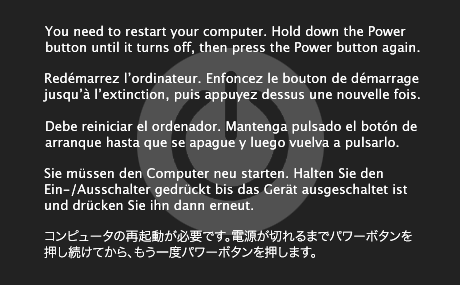
It was bound to happen. My Mac Mini started to crash, and hard. When I’d login, it was a crap shoot until it would lock up. Eventually it started happening immediately after login! It’s about 1 year old and I could have sent it off to apple. Being me, I decided to do a fresh lion install on a new hard drive and see if it was actually a hardware issue or just a drive/software issue. After the install, I booted up and ran perfectly on a USB connected hard drive.
I had no problems copying my data off the old system drive. This is rather interesting… However I have a suspicion. I have seen rather ugly issues with device drivers lately – I highly suspect that the usb serial drivers I’d installed under snow leopard were causing issues under lion. I’m now slowly re-adding my software and drivers (half in fear of running into the same issue again).
Meanwhile, I did take a few steps to ensure that I can recover things. Sure, Lion has a new recovery system but I don’t want to download it for install each time. I used a trick that my server admin buddies told me about – create a second partition (say, 8Gb at the tail of your drive) and use disk utility to restore the system install iso/dmg/etc to that partition. Now you have a hard drive speed install disc that can’t be lost (unless your drive totally eats it).
Replacing the drive wasn’t quite trivial, but after a trip to Sears for a new set of mini-torx (I needed a T-8) I didn’t have any issues swapping the drive. To pop the mini logic board, I used a pair of dremel tool bits rather than hunt down the tool. Thanks for the tutorial ifixit.com
And the drive? I had a 500gb western digital blue that I’d picked up a few months ago for another project. Glad I got it!